
Membership NFT image (serves as voting rights)
The visual for the membership NFT (such as a digital citizen card) that qualifies holders to run and vote. You can also reuse an existing NFT collection.
A way to hold a "digital election" online in which only membership-NFT holders can run and vote. A new way to build relationships in which local residents and fans take part in planning and running projects.
Run decision-making online that only members, citizens or fans can take part in, while preventing impersonation.
Through the concrete act of voting, you can give people inside and outside the region a chance to take part in your community.
If you distribute NFTs based on how active fans are, the most enthusiastic fans can cast more votes. "Voting rights based on activity" make contributions to the community visible.
The visual for the membership NFT (such as a digital citizen card) that qualifies holders to run and vote. You can also reuse an existing NFT collection.
An item image to give to people who voted or who supported a specific candidate. You can also prepare a different item for each candidate.
Log in to T&T and complete the "Basic settings" and "Collection settings". From here, you will set up the "membership NFT" that serves as voting rights and the "voting events".
In the admin screen, open "Token Issuance" and click "New". Select "Simple" and "Delivery URL", then proceed to the detailed settings. On the next screen, upload material A, the "membership NFT image that serves as voting rights", configure the settings and click "Save changes". You can then issue the token.
You can find the NFT you created under "Token List" in the admin screen. Get its delivery URL or QR code there, and use it to distribute, transfer or sell the membership NFT.
Once the candidates are confirmed, create a voting event for each one. In the admin screen, go to "Events → New" and enter the candidate, policy or other option people will vote for.
After creating the event, set check-in restrictions so that only people who hold the membership NFT can vote. Find the option "Holds at least one token", check it and save your changes.
Set the item image to give to people who voted or who supported a specific candidate. In the admin screen, go to "Items → New", choose "Belongings" as the item type and upload the image from material B.
Reopen the event page you created in Step 3 and configure "Reward item settings". Select the image you uploaded in Step 5 and click "Save changes".
Once you publish the voting event pages, membership-NFT holders can vote. It is convenient to download all the voting event URLs at once as a CSV.
Sign up with just a Google or Apple account. Try everything from creating a project to publishing it, completely free.
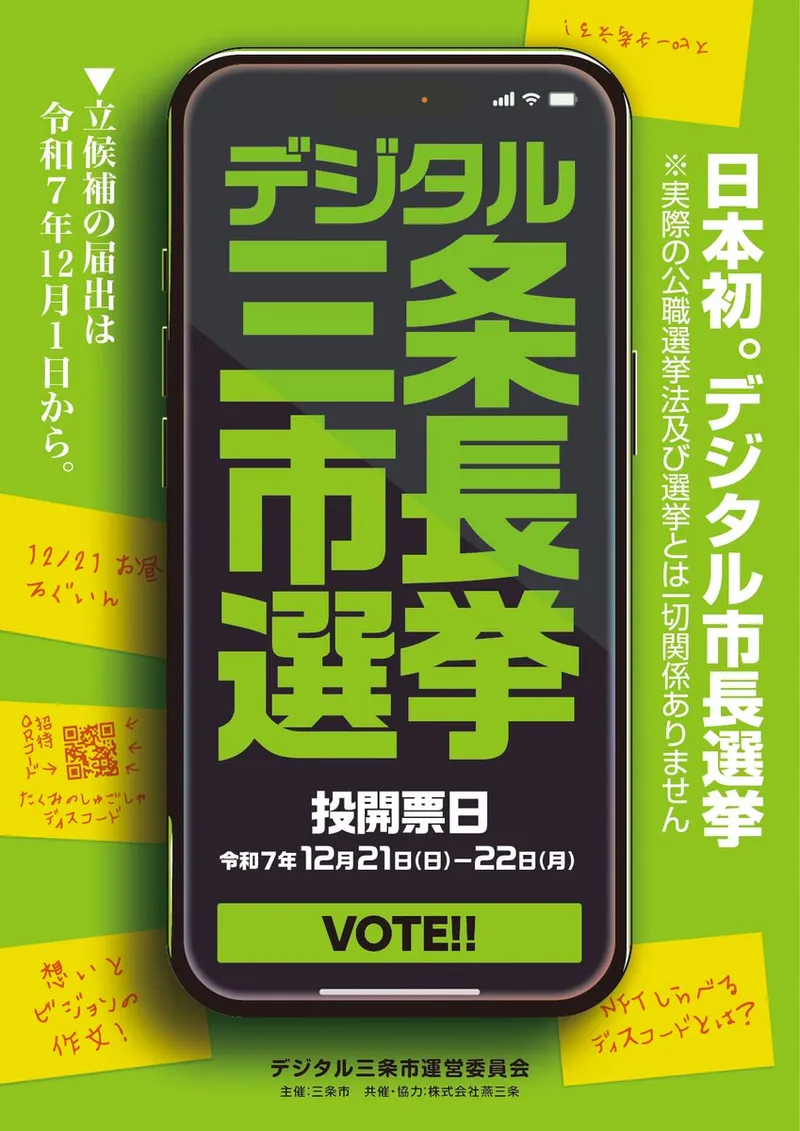
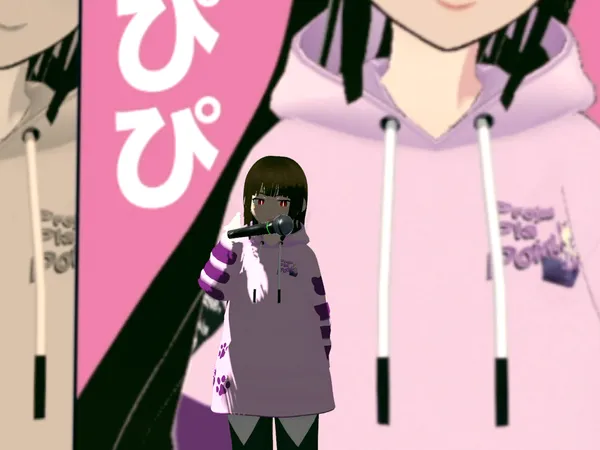
Holders of "Tsubame-Sanjo Guardians of the Artisans", an NFT officially recognized by Sanjo City in Niigata Prefecture, were designated "digital citizens", and Japan's first digital mayoral election was held. Everything from candidacy and a public debate to voting was completed in a metaverse space and on Discord.
Candidacy ran from December 1 to 5, 2025, a public debate was held in a metaverse space on December 20, and voting took place on a Discord server from December 21 to
2
Place QR codes at local spots for check-ins, creating a reason to explore and visit, in as little as 30 minutes.
Keep participants on site for hours with a paper booklet plus smartphones, creating more chances to use shops and restaurants.
Turn the charm and stories of your region into NFT art, creating a way to keep donors and the region connected over time.